Chestnut Labs G-code Preview
Show a 3D print or CNC/laser job in the browser — before, during, or after it runs.
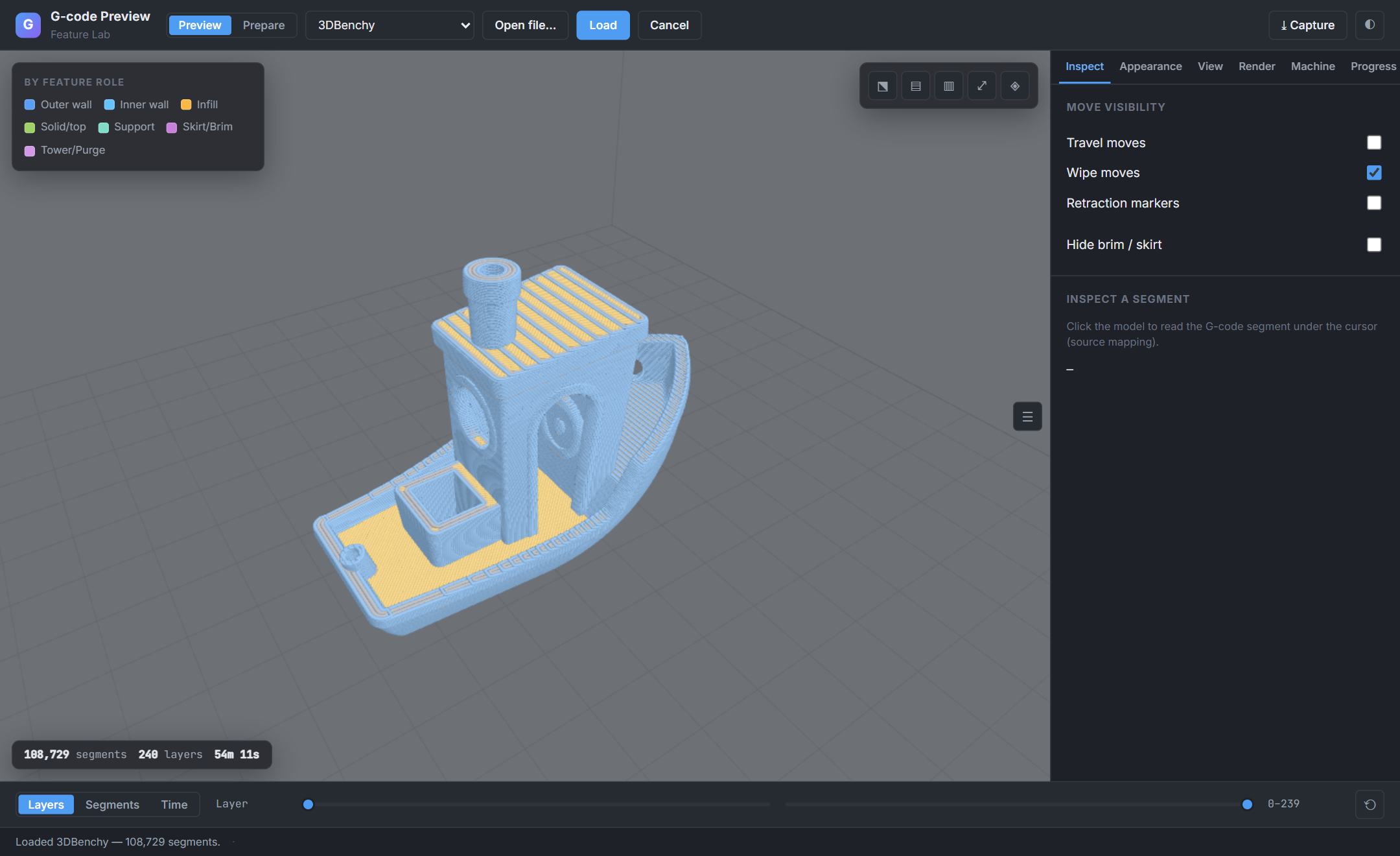
Drop .gcode, .gcode.3mf, or Prusa .bgcode into a page and get an interactive toolpath: orbit it, clip to a layer, scrub it, color by feature or speed, overlay live progress. Parsing runs off the main thread, so a 250 MB file never freezes the UI — with Vue, React, Svelte, and Web Component adapters over one engine.
-
Prepare & Preview
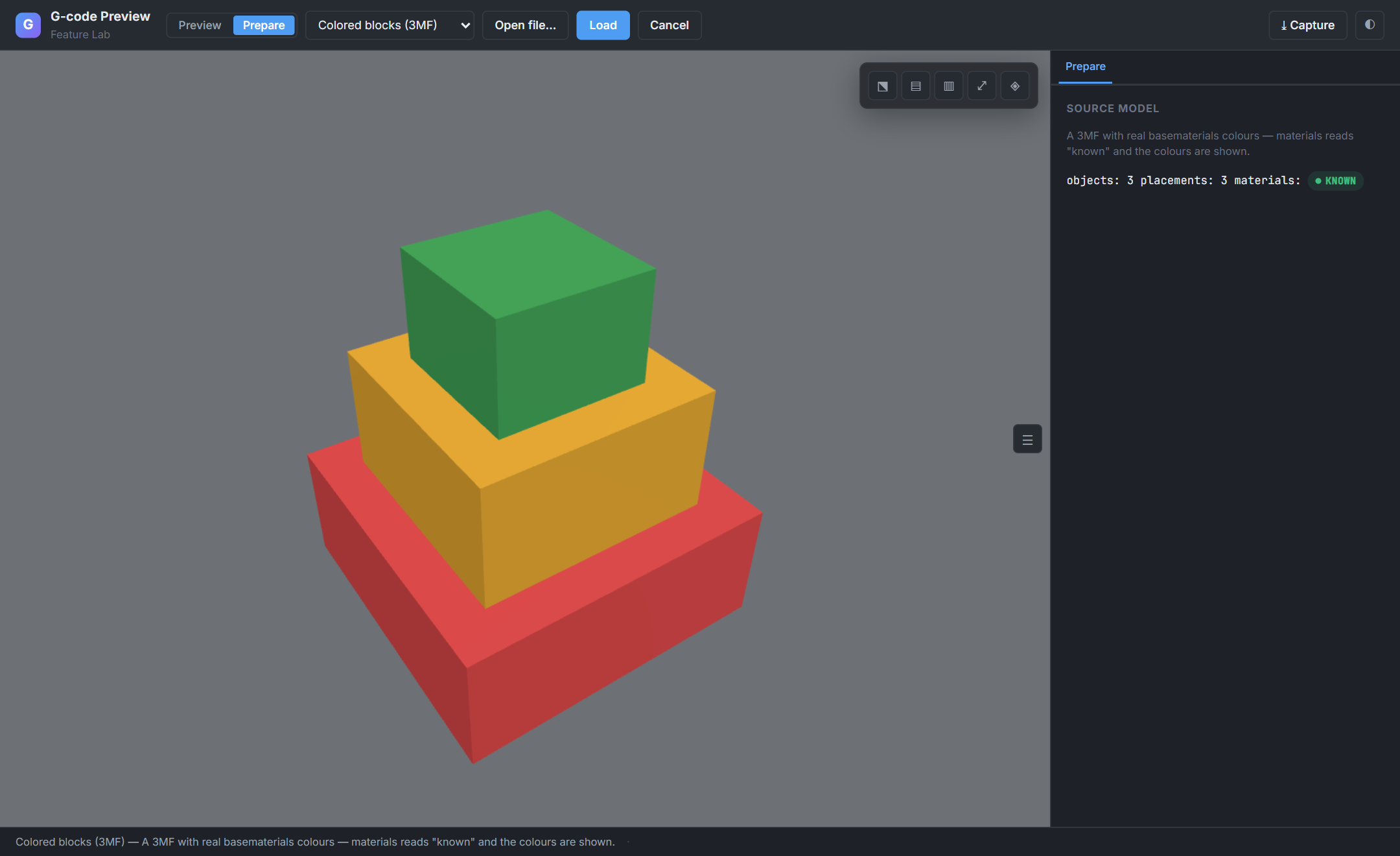
Two viewers, one SDK: the sliced-G-code toolpath and the source model (STL / 3MF) — a
<ModelViewer>on every framework's/modelsubpath. -
Toolpath inspection
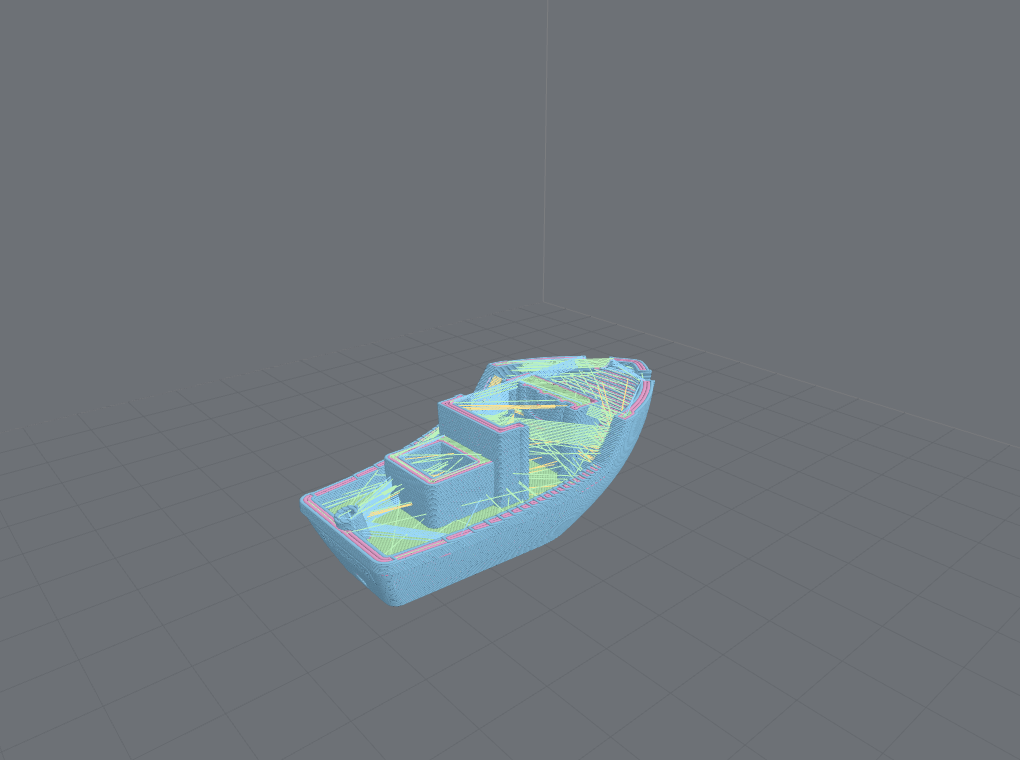
Layer clip, segment & time scrub, travel / retraction / seam markers, source-line mapping.
-
Coloring & analysis
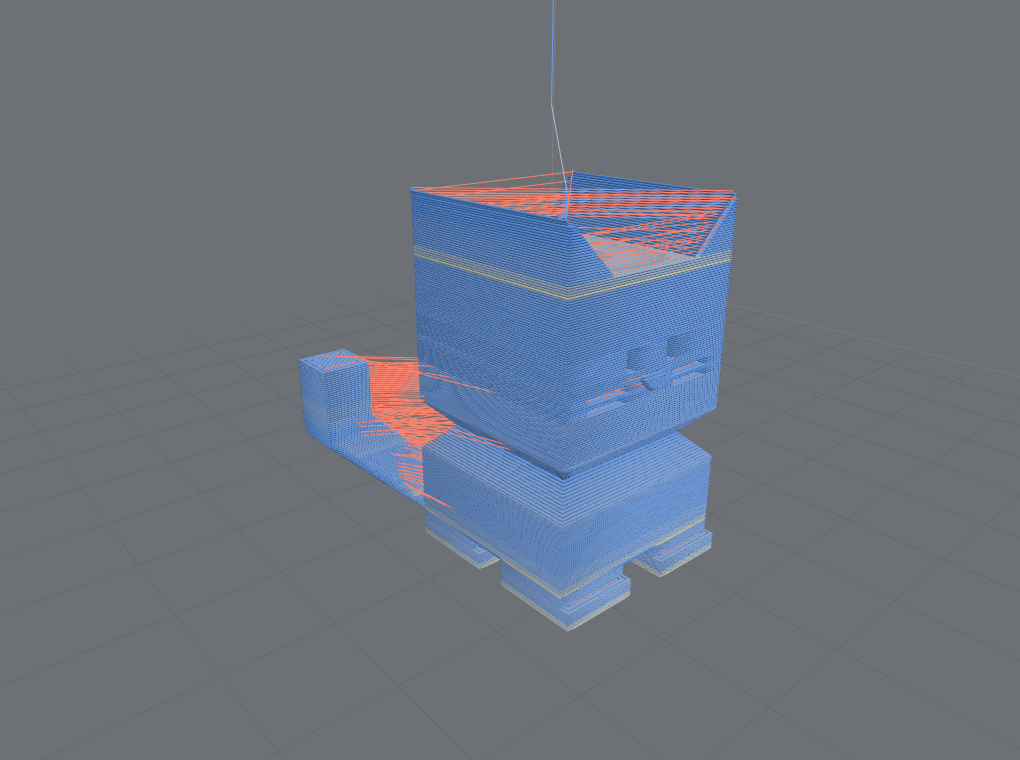
Color by speed, feature, object, tool, layer height, color change, or tool power.
-
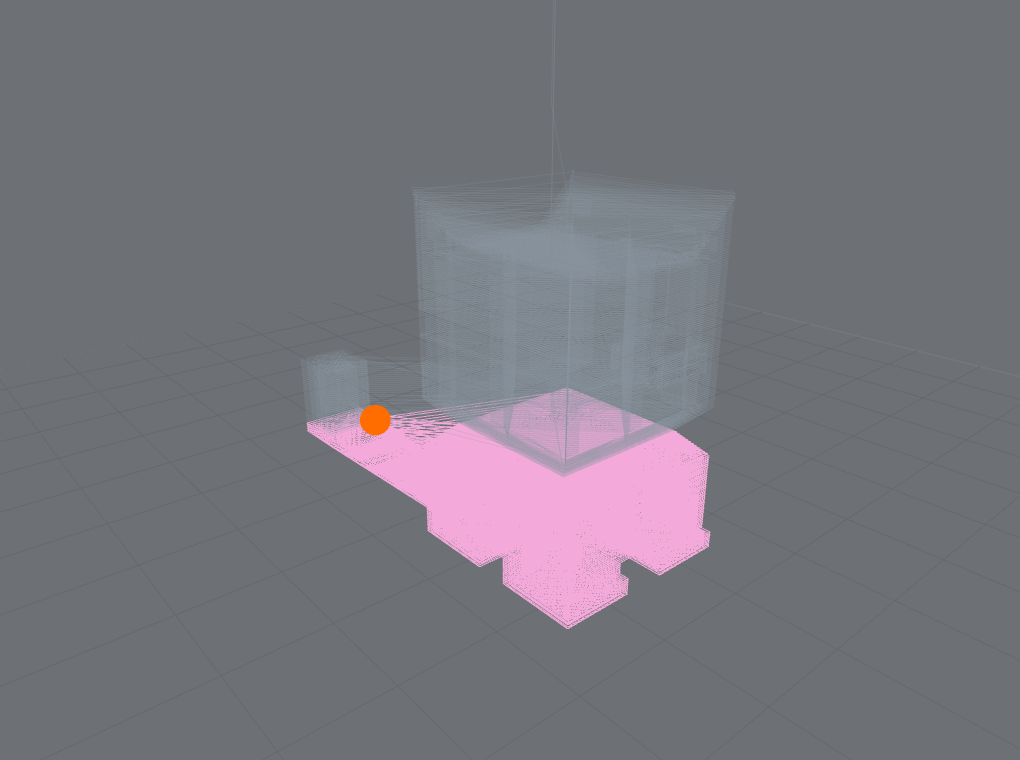
Live job progress
Map printer telemetry onto the path at the confidence it deserves — exact, band, or stale.
-
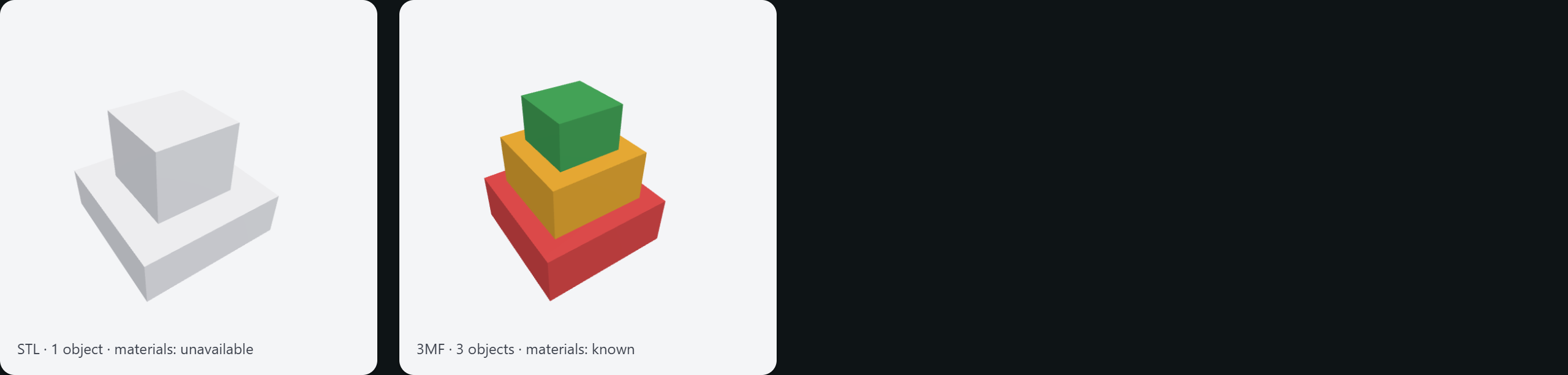
Models & plates
Present the source STL / 3MF — multi-object, per-plate, colored materials — a second renderer.
-
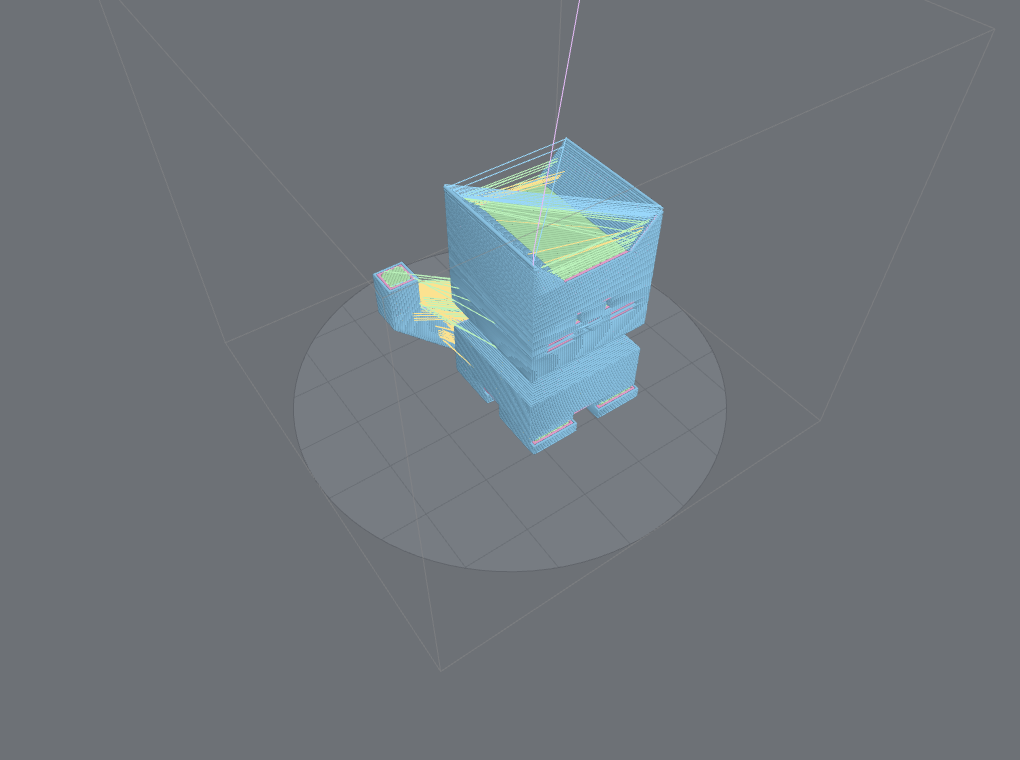
CNC, laser & parametric
Cut vs rapid, tool power, canned cycles, and RS274NGC programs the machine computes.
-
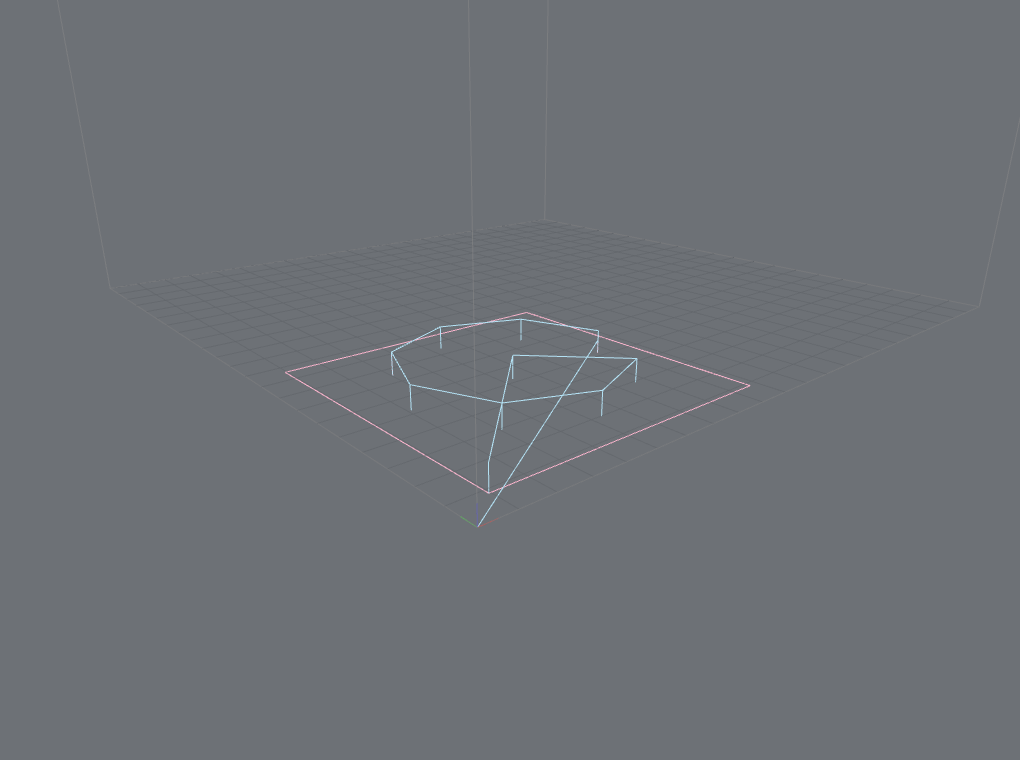
Any build surface
Rectangular, circular / delta, and polygonal beds — outline and grid follow the real shape.
These Guide and Concept pages are the SDK manual. The generated
API reference — every public export of all
fourteen @chestnutlabs/* packages — is a companion site linked from the top nav. New here? Jump to
the feature gallery to browse the breadth, or start below.
Install
Install the adapter for your framework plus three (the renderer declares three as a
peer dependency; npm ≥ 7 installs it automatically, pnpm/yarn users add it explicitly):
npm install @chestnutlabs/gcode-preview-vue three # or -react, -svelte, -element
Prefer no framework? Use the Web Component:
npm install @chestnutlabs/gcode-preview-element three
60-second example (Vue)
<script setup>
import { GcodePreview } from '@chestnutlabs/gcode-preview-vue';
import { shallowRef } from 'vue';
const file = shallowRef(null);
</script>
<template>
<input type="file" accept=".gcode,.3mf" @change="file = $event.target.files?.[0] ?? null" />
<div style="height: 70vh">
<GcodePreview :source="file" @ready="(s) => console.log(`${s.segments} segments`)" />
</div>
</template>
Every adapter ships the same defaulted <GcodePreview> surface — source, parseOptions,
buildVolume, quality, colorMode, layerRange, scrub, showTravel, progress,
cameraMode, theme, createWorker — plus a lower-level API (composable / hook / store / action)
for building your own controls. <GcodePreview :source="file" /> is the whole thin path; the full
viewer is reachable without switching APIs.
Which package do I need?
| You want… | Install |
|---|---|
| A drop-in viewer in Vue / React / Svelte | @chestnutlabs/gcode-preview-{vue,react,svelte} |
| A viewer with no framework | @chestnutlabs/gcode-preview-element |
| To build your own viewer on the shared controller | @chestnutlabs/gcode-preview-core |
| Just the parser → IR (no rendering) | @chestnutlabs/gcode-parser + @chestnutlabs/toolpath-core |
| A headless still image of a toolpath (server thumbnails) | renderStill from @chestnutlabs/gcode-renderer-three |
| A presentation thumbnail of the source model (STL / 3MF, not the toolpath) | renderModelStill from @chestnutlabs/gcode-model-renderer |
Where to next
- Framework adapters — the component and the lower-level API for each framework.
- Recipes — custom workers,
.gcode.3mfmulti-plate, headless still render, live printer telemetry, multiple previews on one page. - Concepts — ToolpathIR & the capability model, Workers, streaming & performance, Dialects & containers, Live progress & motion model, Parametric programs (RS274NGC).
- API reference — pick a package in the sidebar (
toolpath-core,gcode-parser, …).
Status: published — all fourteen
@chestnutlabs/*packages are on npm (latestv0.20.1, lockstep-versioned with provenance). Governance and epic status live in the repository docs.