Feature gallery
What G-code Preview can actually do, shown rather than described. Every image is a real render of a
real file from the tracked demo corpus, captured by tools/screenshots/
on a neutral slicer/CAD viewport — nothing mocked. This page is the visual companion to the
capability model and the per-feature
coverage matrix.
New here? Start with the getting-started guide, then come back to browse the breadth.
The capability shots below are real renders on a neutral mid-grey documentation viewport. The application shots in this first section show the live Feature Lab in its studio-dark chrome — the actual interactive product.
Try it live — Prepare & Preview
▶ Open the live demos — the interactive
Feature Lab and the
React /
Vue /
Svelte /
Web Component
examples, running in your browser on the published @chestnutlabs/* packages.
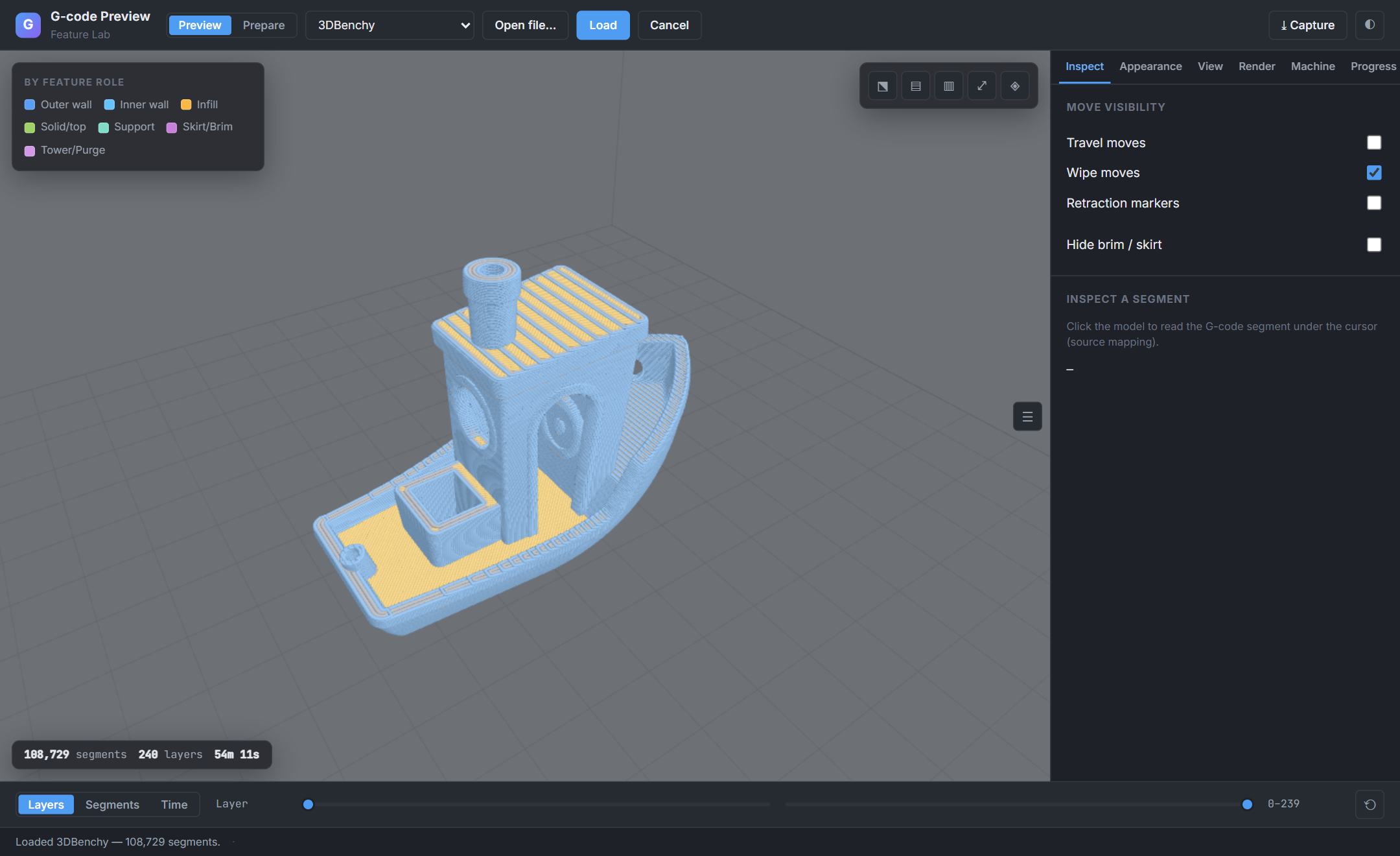
The SDK covers both halves of looking at a print job — the sliced toolpath (Preview) and the source model (Prepare), each with real controls:
| Preview — the sliced toolpath | Prepare — the source model |
|---|---|
 |
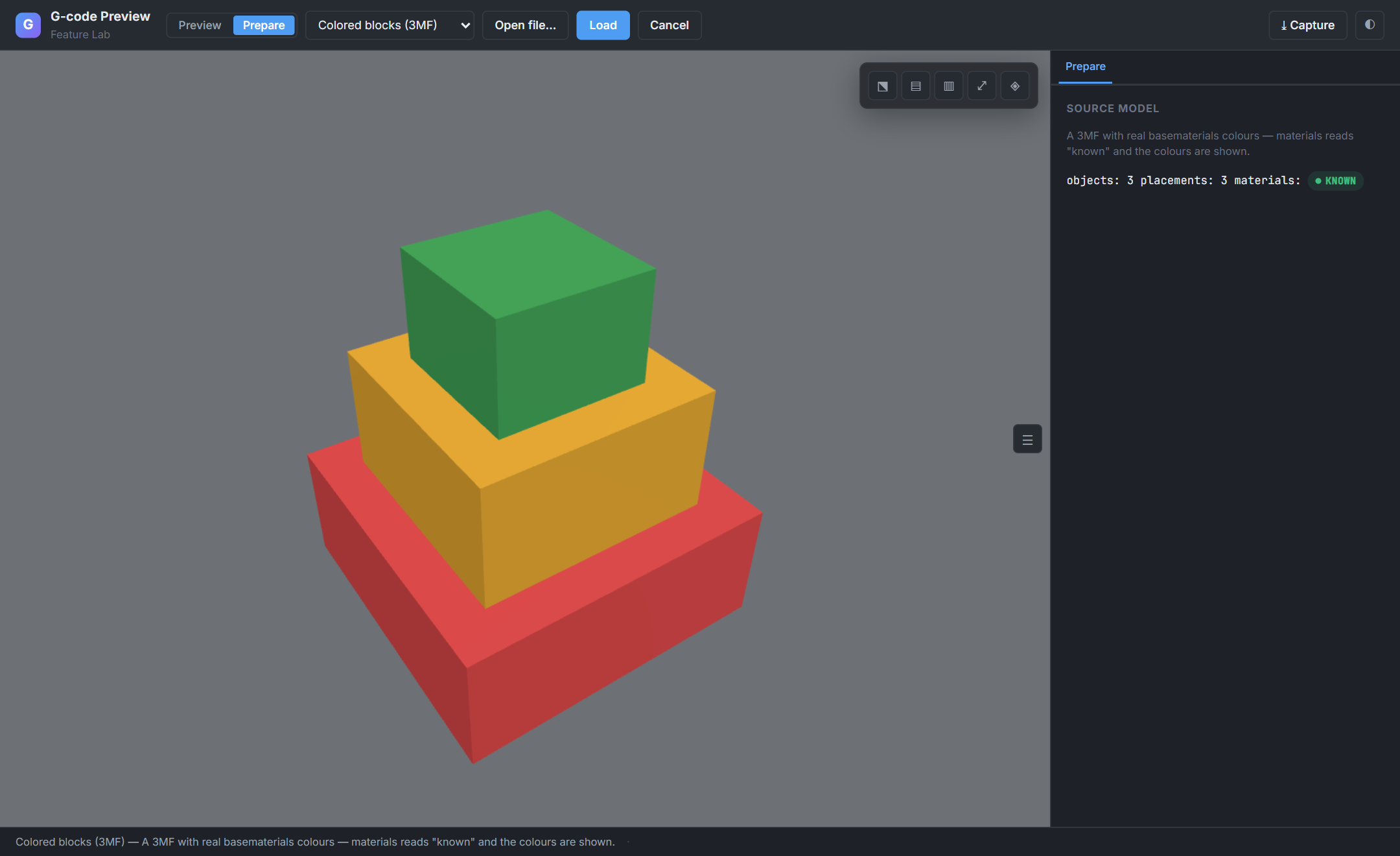 |
| Layers, features, speed, travel, retractions, source-line picking — the toolpath controls. | STL / 3MF solid model — objects, materials, model controls, honest material-color tier. |
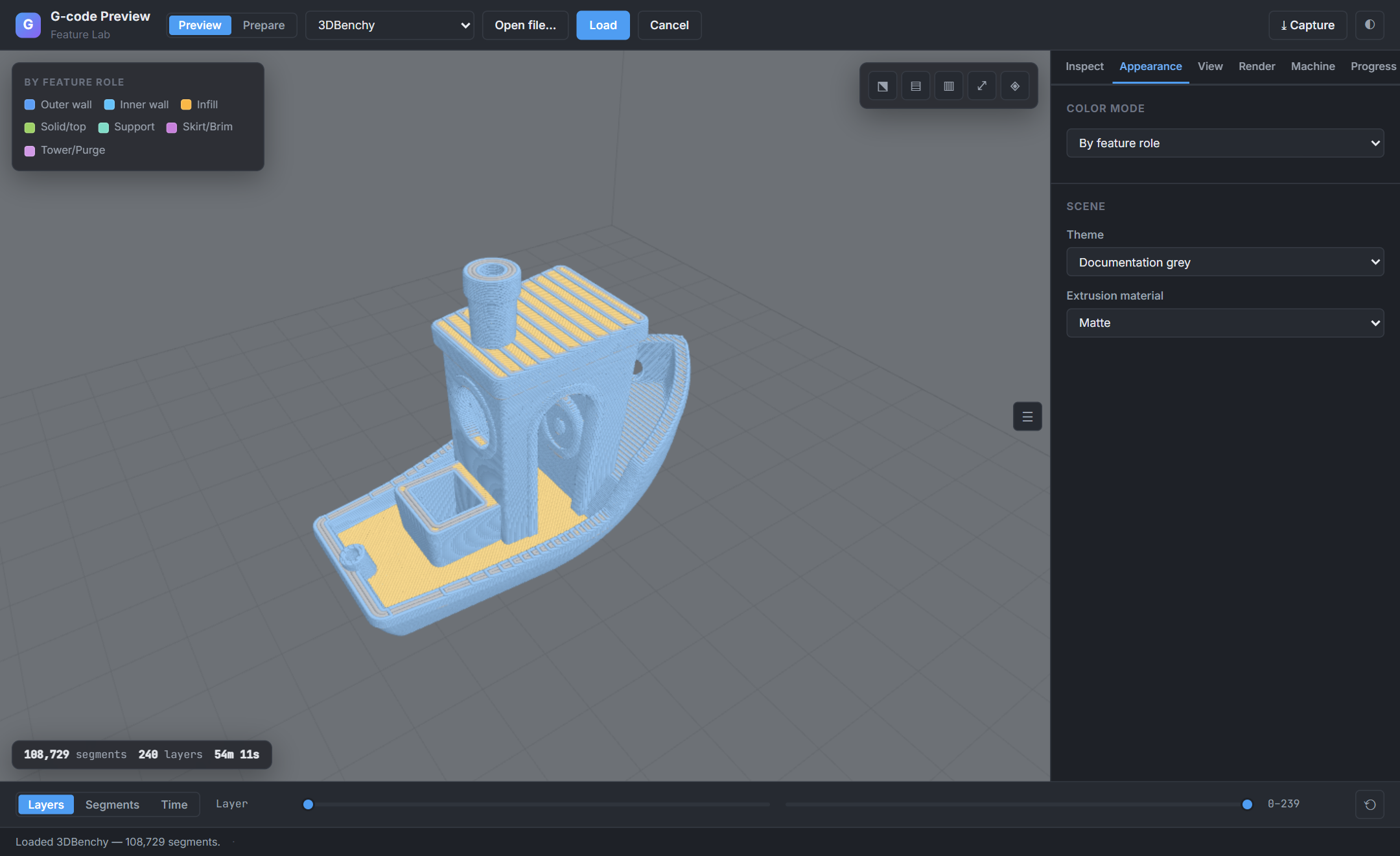
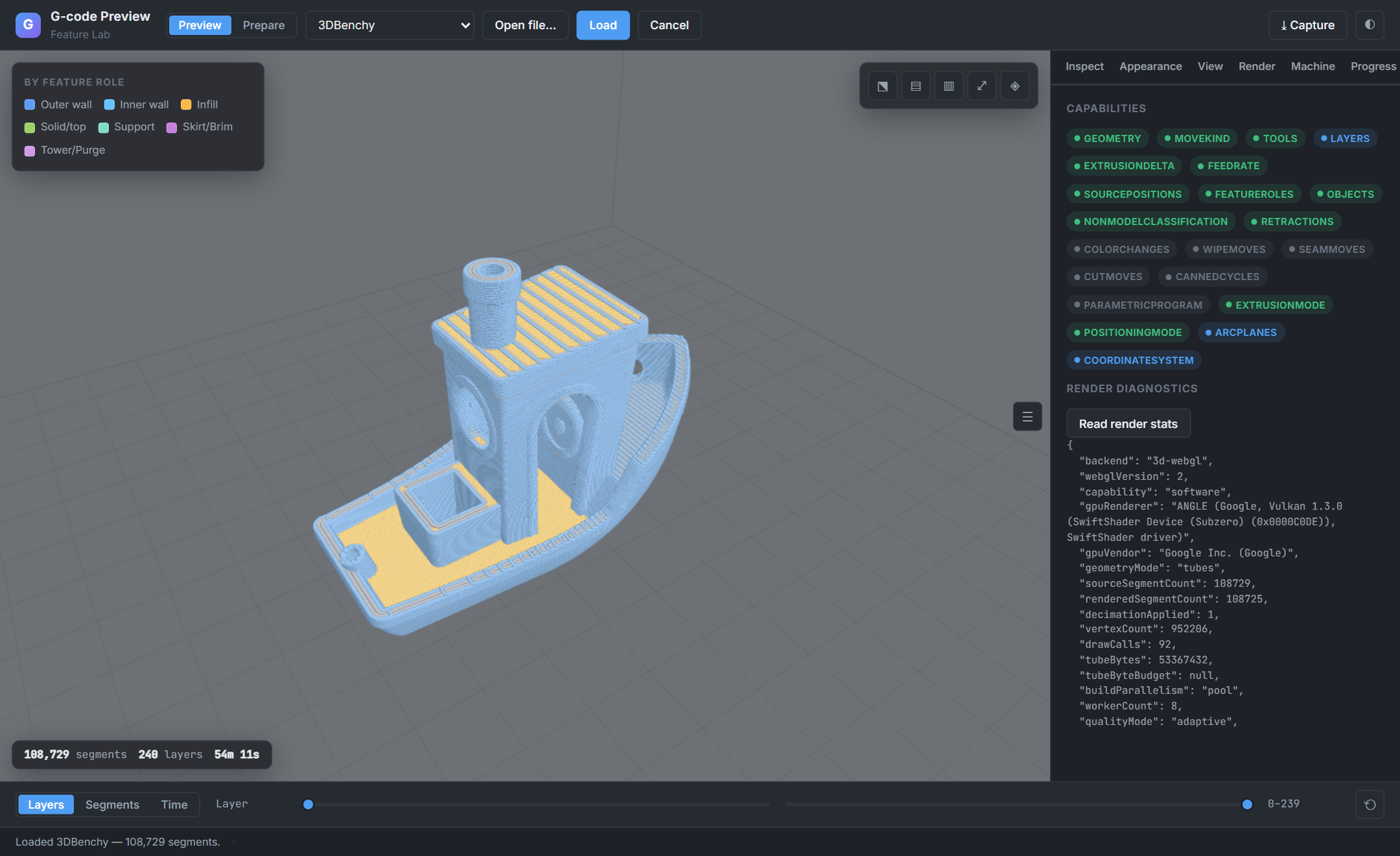
| Color modes, capability-gated | Render diagnostics & capabilities |
|---|---|
 |
 |
Toolpath inspection
The core job: turn a sliced file into an interactive picture of the actual moves the machine makes.
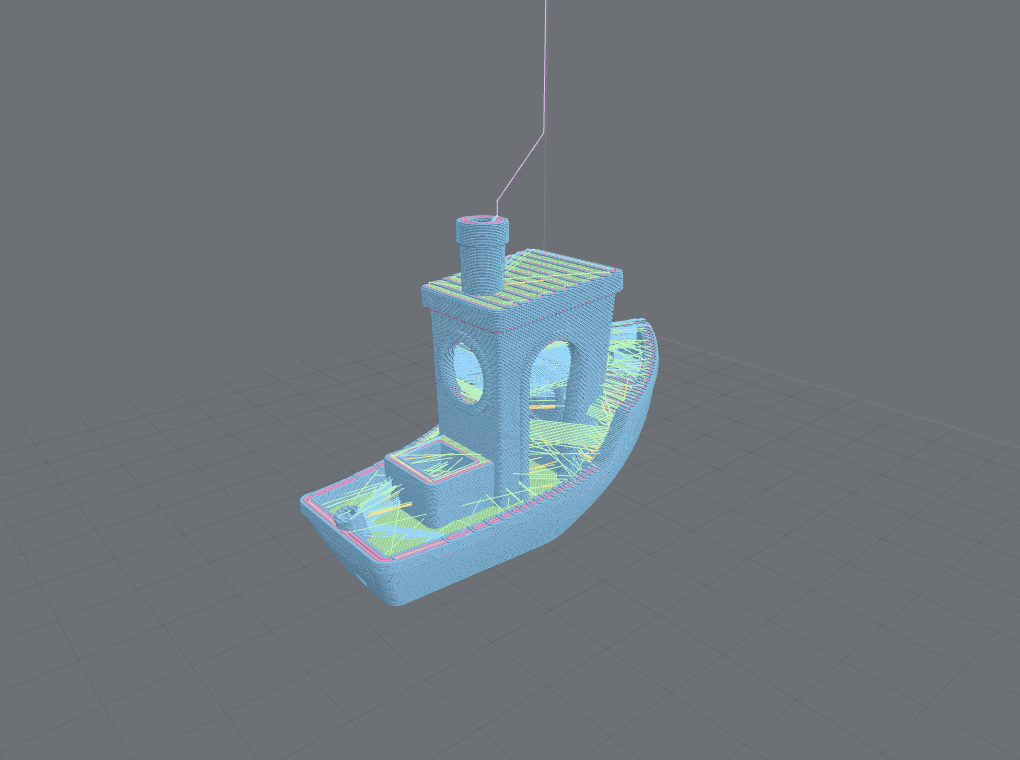 |
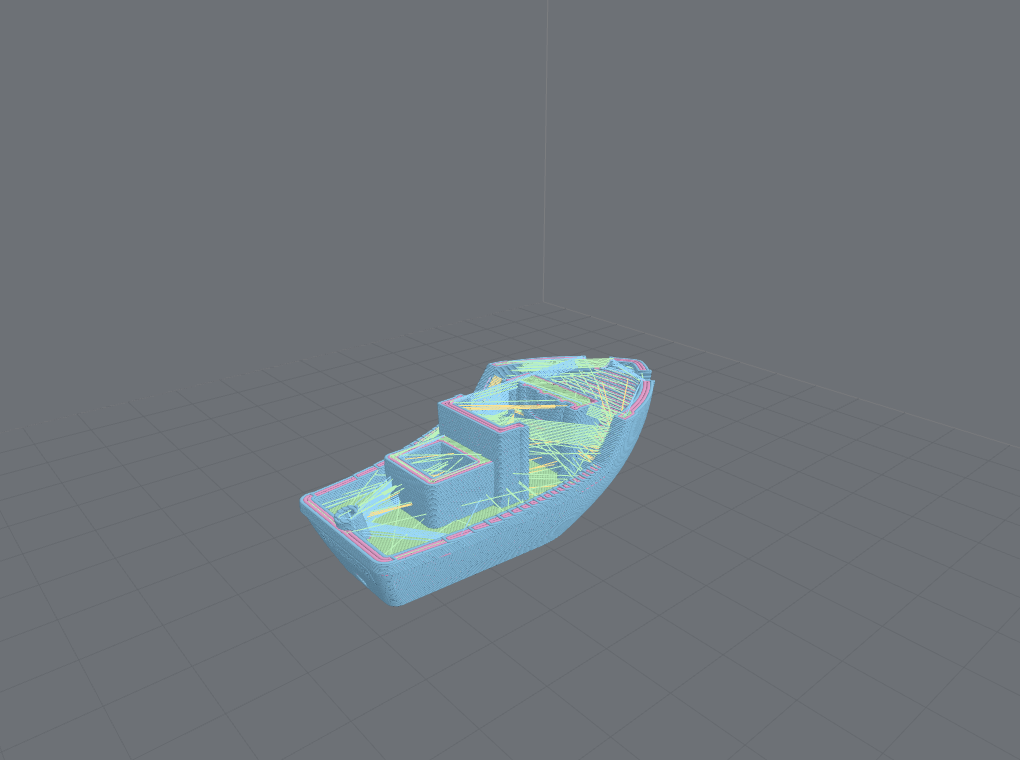 |
| Tube geometry, feature coloring. Lit 3D extrusion cross-sections, colored by what each move is. | Layer-range clipping. Isolate any band of layers by index — a draw-range trim, no geometry rebuild. |
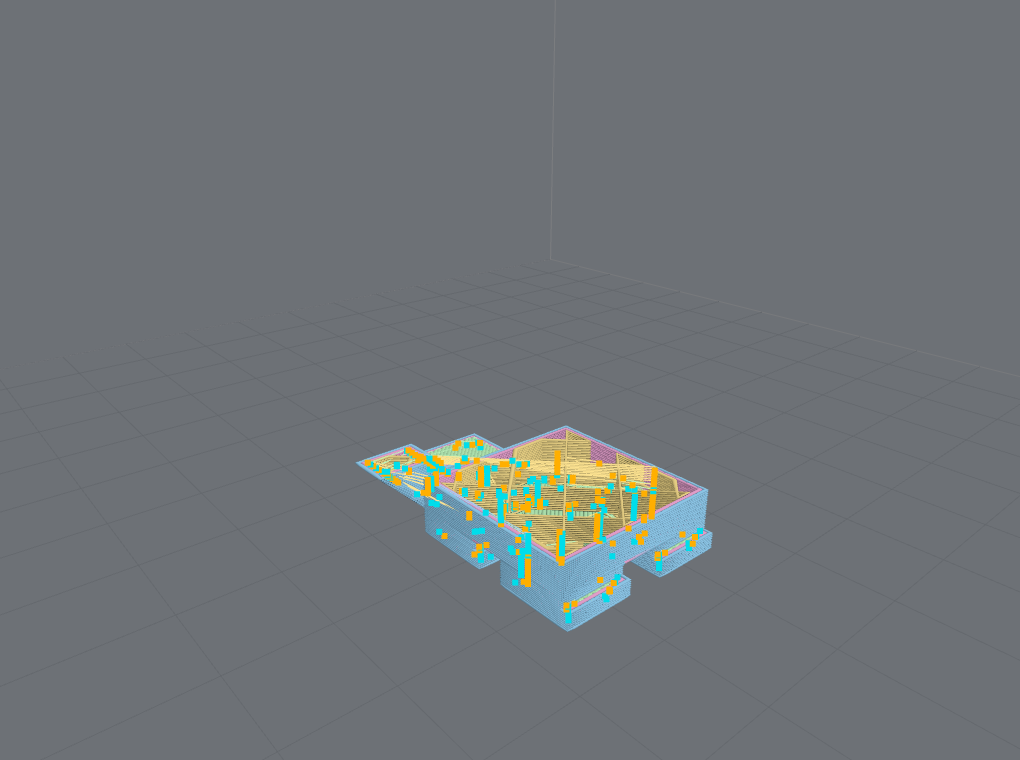 |
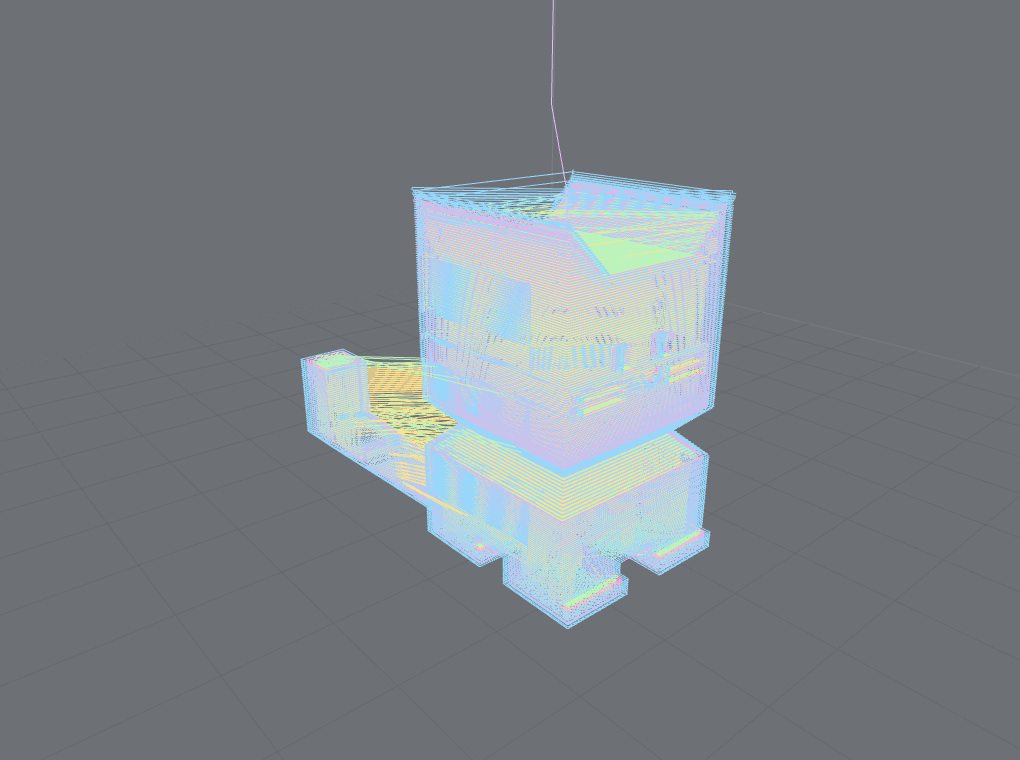 |
| Retraction & de-retraction markers. Toggle markers for retractions, wipes, travel, and seams. | Line geometry. Flat one-pixel paths — lighter for very large files or low-GPU devices. |
Segment scrub sweeping the draw-range through 3DBenchy — the toolpath drawing itself in exact print order. Scrubbing is a draw-range trim, so it stays smooth even on large models.
Also here: segment scrub (step move-by-move), time scrub with an honest print-time estimate (labeled slicer estimate vs kinematic approximation), and source-line ↔ segment mapping — click a move to find its byte in the file, and back. See recipes.
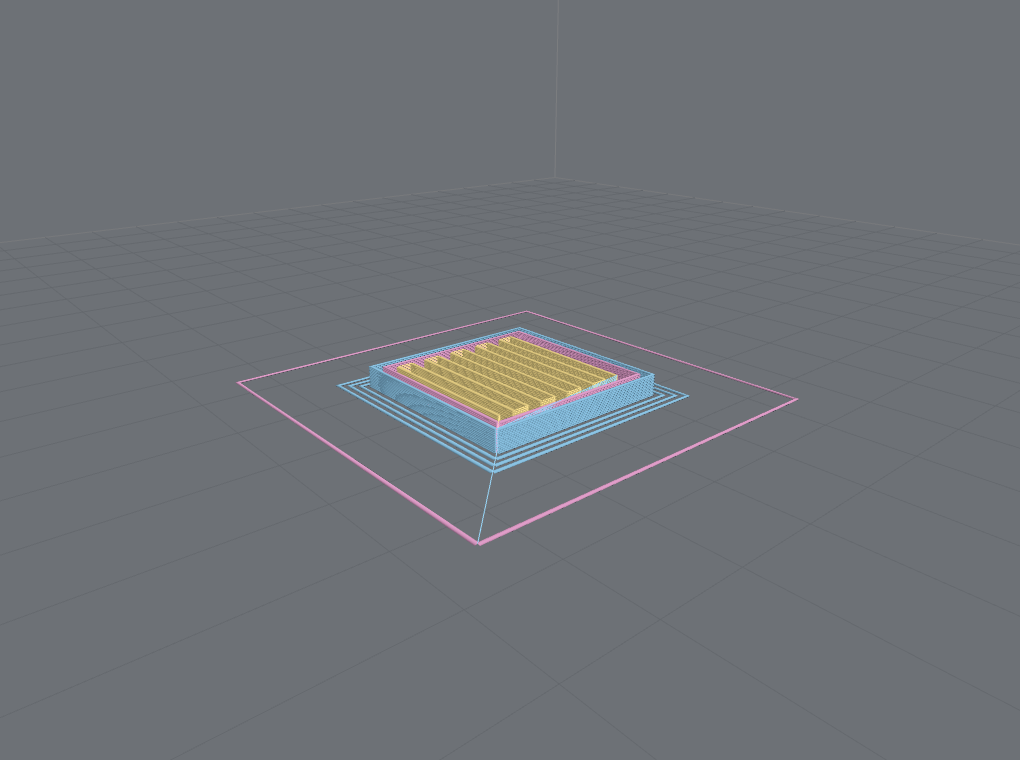
Hide by feature role (setFeatureRoleVisible) — e.g. hide brim/skirt to declutter a part
preview, at the same framing:
| Brim + skirt shown | Adhesion hidden |
|---|---|
 |
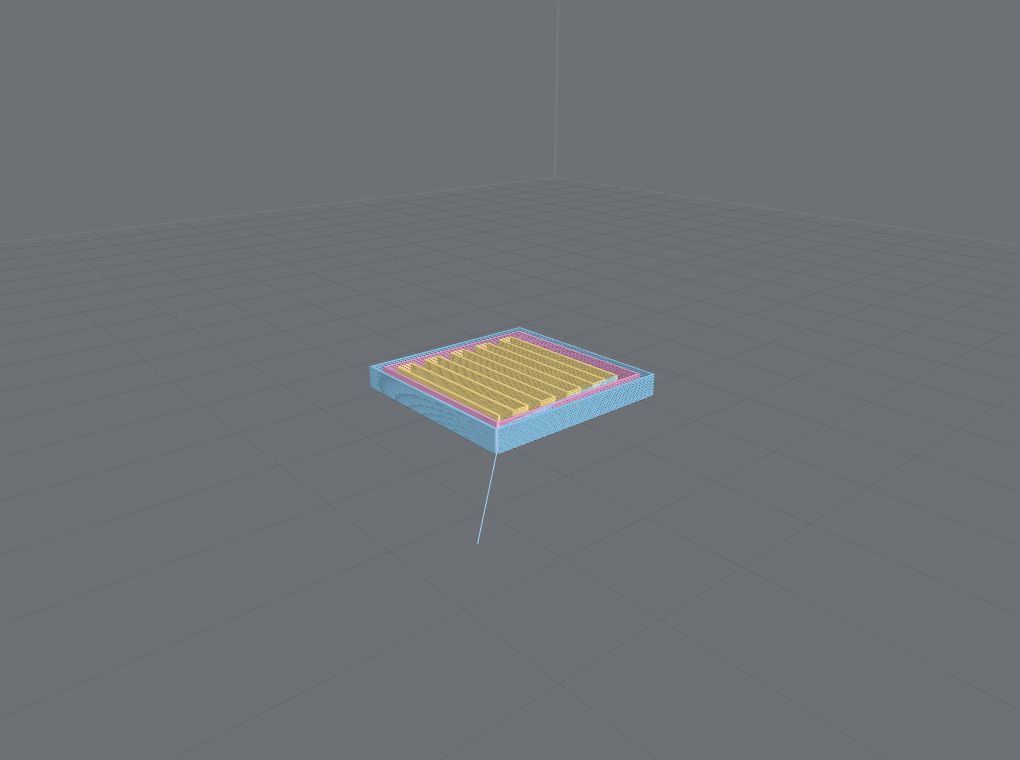 |
| The pink skirt ring and brim frame the part. | setFeatureRoleVisible(Skirt/Brim, false) leaves only the model. |
Coloring & analysis
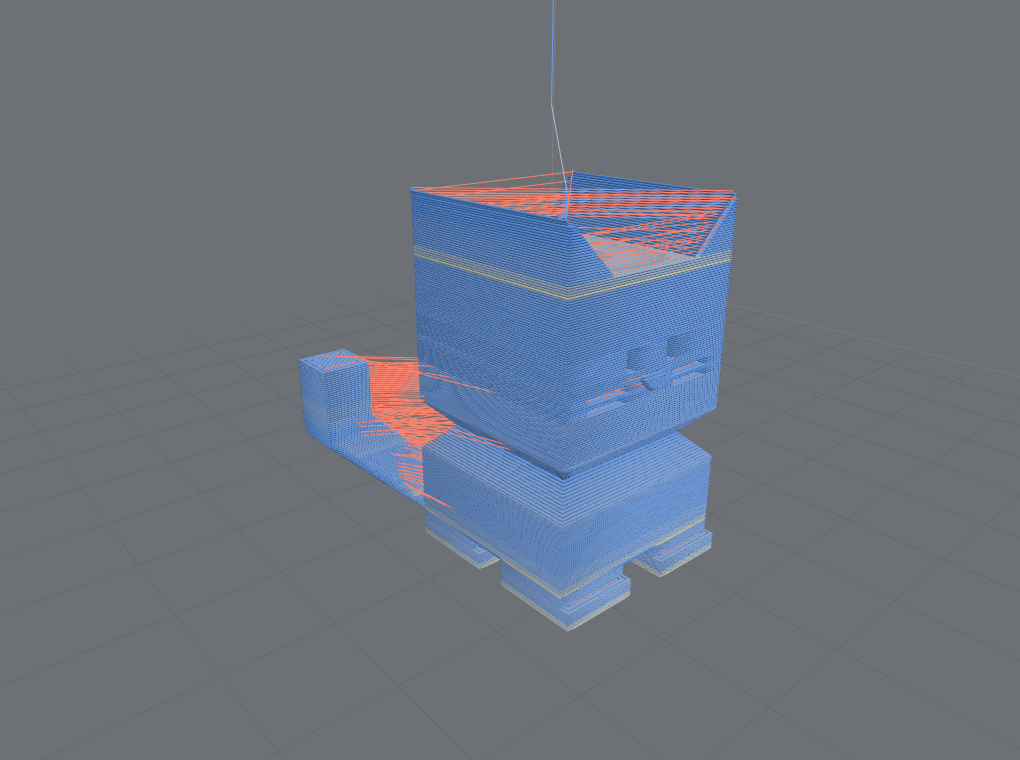
Color is analysis. Every mode is capability-gated — it colors from real data or explains why it can't.
 |
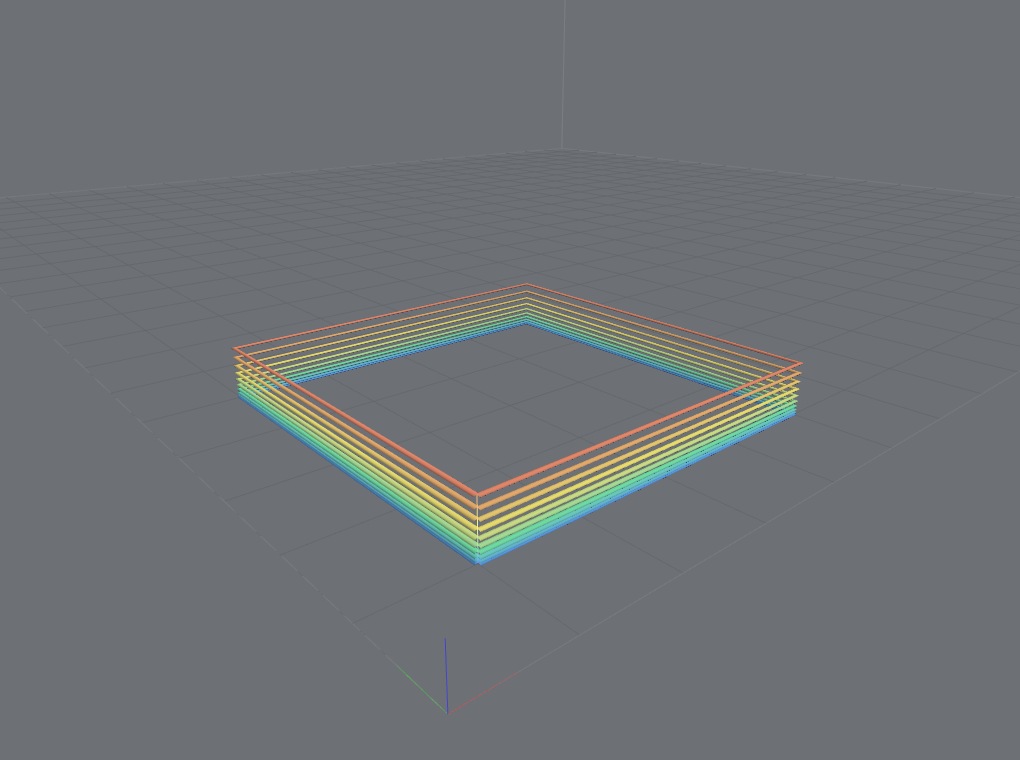 |
| By speed / feedrate. An auto-ranged ramp reveals slow corners and fast infill. | By layer height. Spot variable-layer-height regions at a glance. |
Also: feature role, object, tool, M600 color change, the file's own filament
colours, tool power (laser/spindle), and cut-vs-rapid for CNC. All share one
renderer-agnostic ColorMode model across the 3D and 2D renderers.
Live job progress
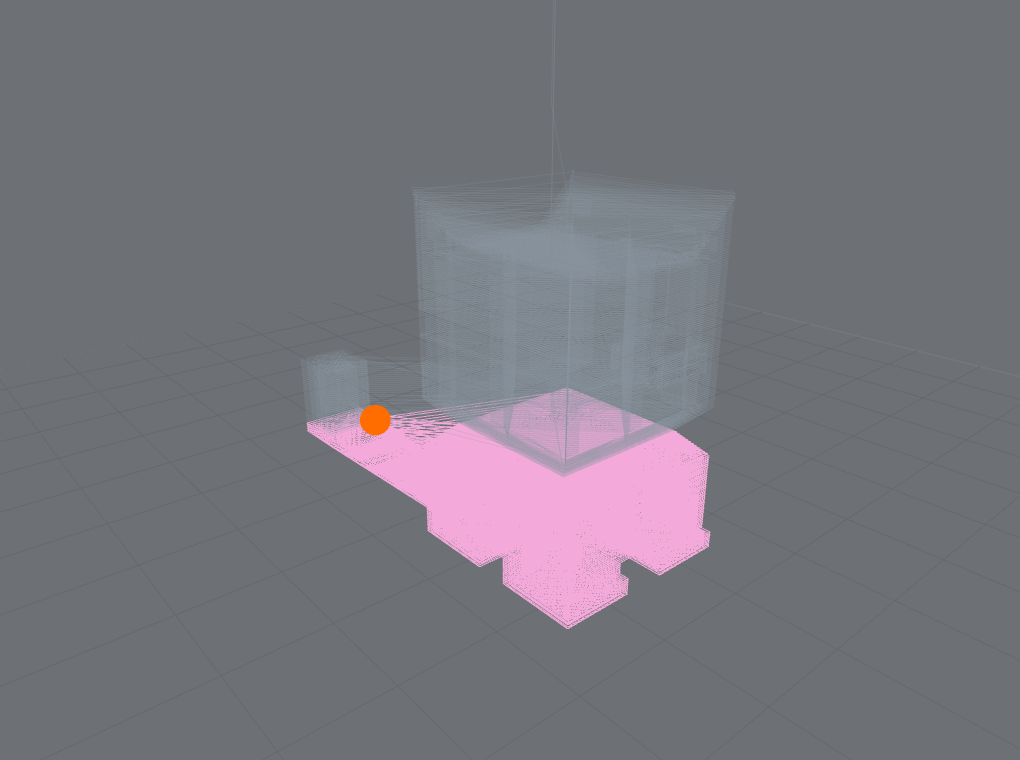
Feed the viewer your printer's telemetry and it maps the signal onto the toolpath at the confidence the signal deserves — the library's honesty rule made visible.
| Known position | Approximated position |
|---|---|
 |
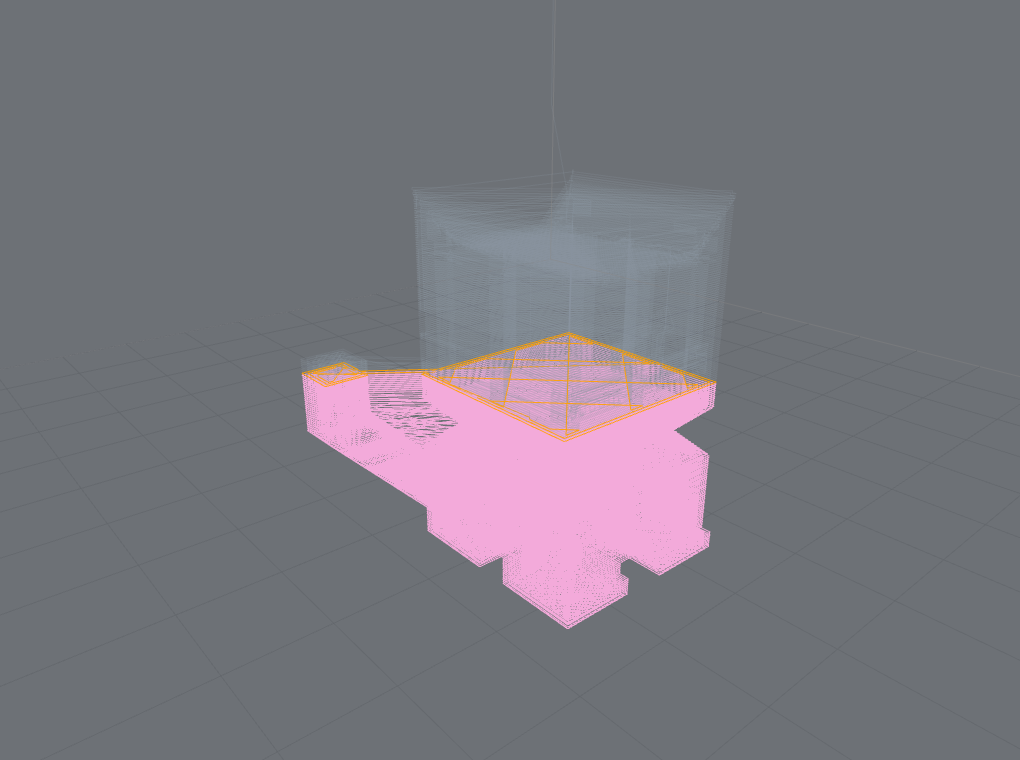 |
| Byte-exact telemetry → a precise cut and an exact marker. | A layer index or bare percentage → an uncertainty band, not a fake dot. |
A stale signal greys the overlay instead of freezing a lie; user scrub always wins over incoming telemetry; file-identity mismatches are detected and disclosed. See live progress & motion model.
Rendering & quality
 |
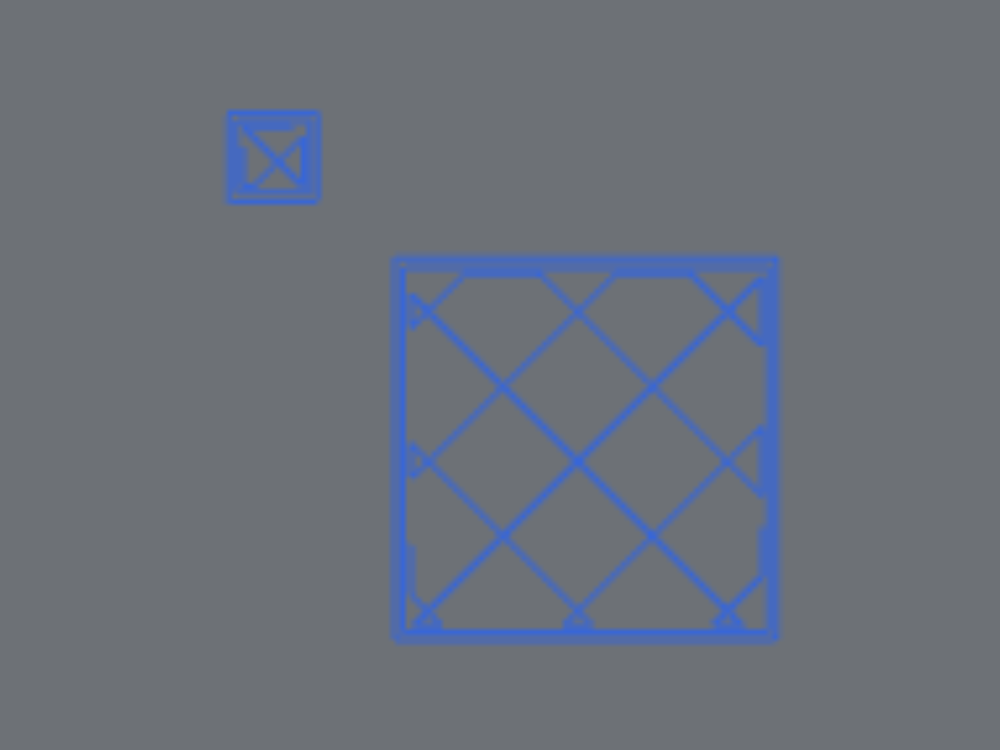 |
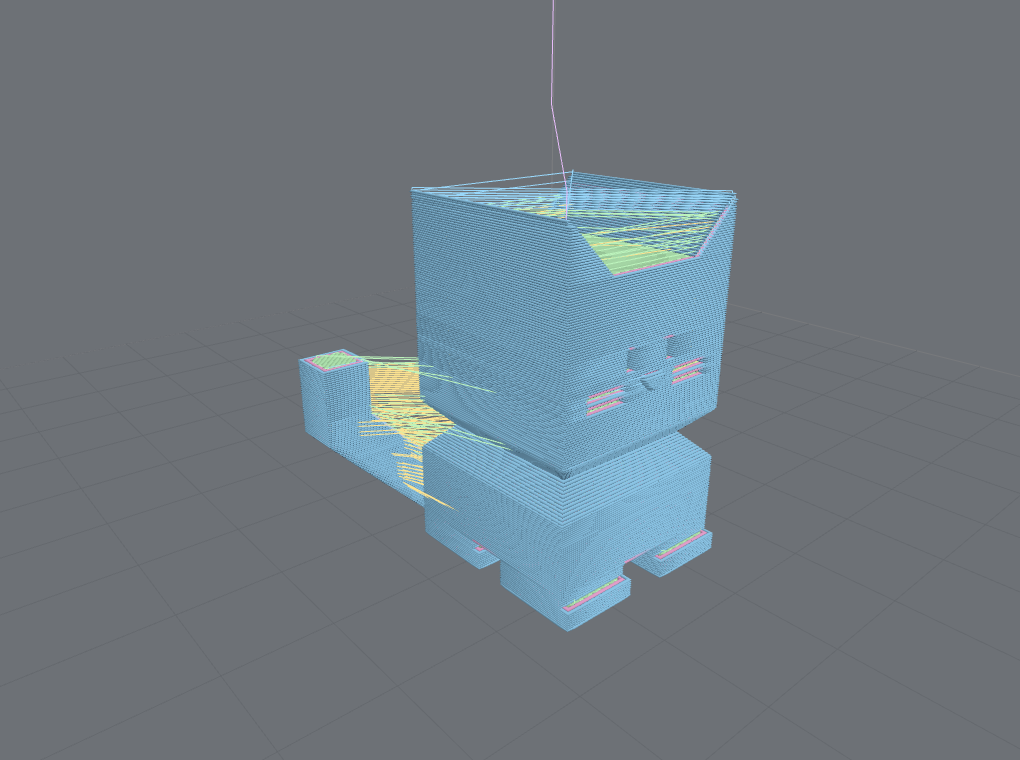
| Tubes vs lines. Automatic quality selection, or force either. | Canvas 2D fallback. A flat layer view with no WebGL and no Three.js — the 2D bundle never ships Three. |
Raising the top layer builds the model bottom to top — the same draw-range mechanism, and the visual of a progressive reveal.
Underneath: quality modes (full / adaptive / fast), interaction-aware quality (drop detail
while orbiting, restore on settle), a parallel geometry worker pool (byte-identical tubes off the
main thread, degrading pool → serial → lines, all disclosed), progressive preview with a single
clean hold reveal, staged preparation progress, and getRenderStats() diagnostics (backend,
hardware-vs-software GPU, draw calls, timings — never fabricated). See
workers, streaming & performance.
getRenderStats() in context — every value read from the actual render, never fabricated; here
reporting a software (SwiftShader) backend, 108,725 / 108,729 segments, 92 draw calls, and the
build/first-frame timings.
Cameras, framing & capture
 |
 |
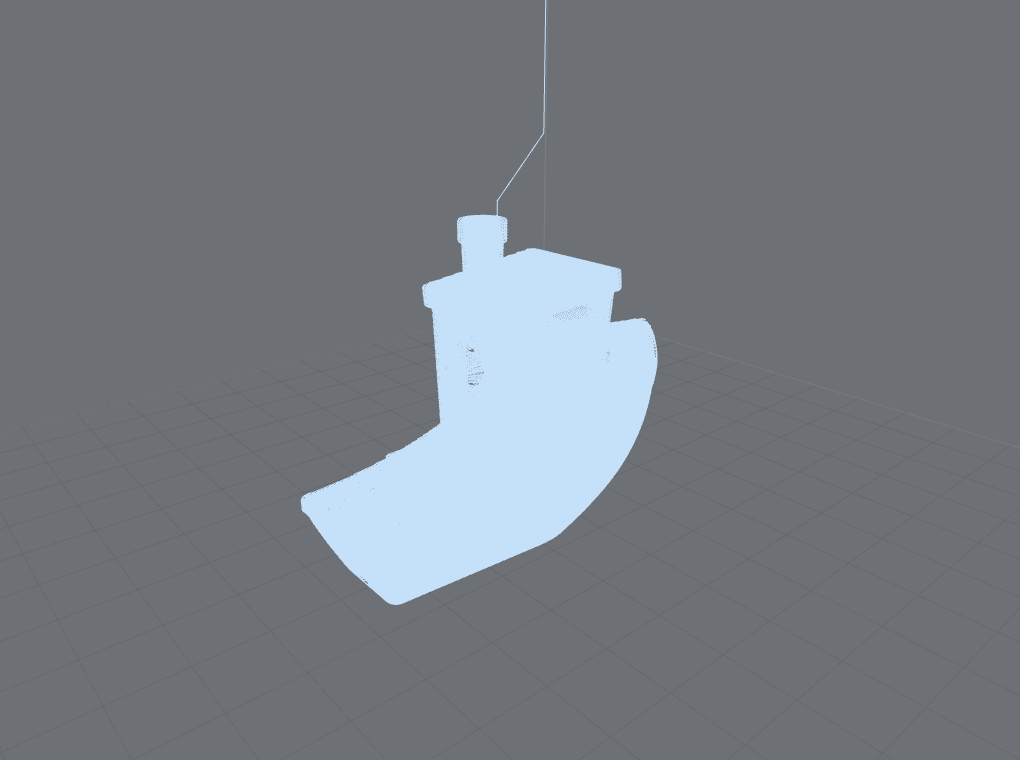 |
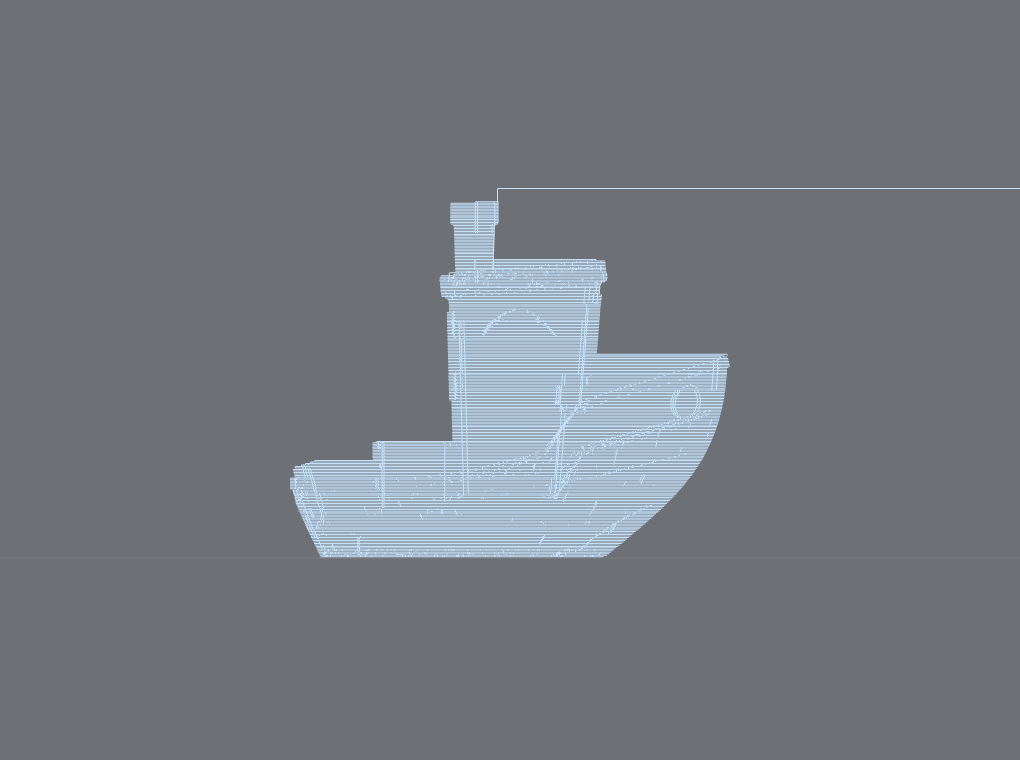
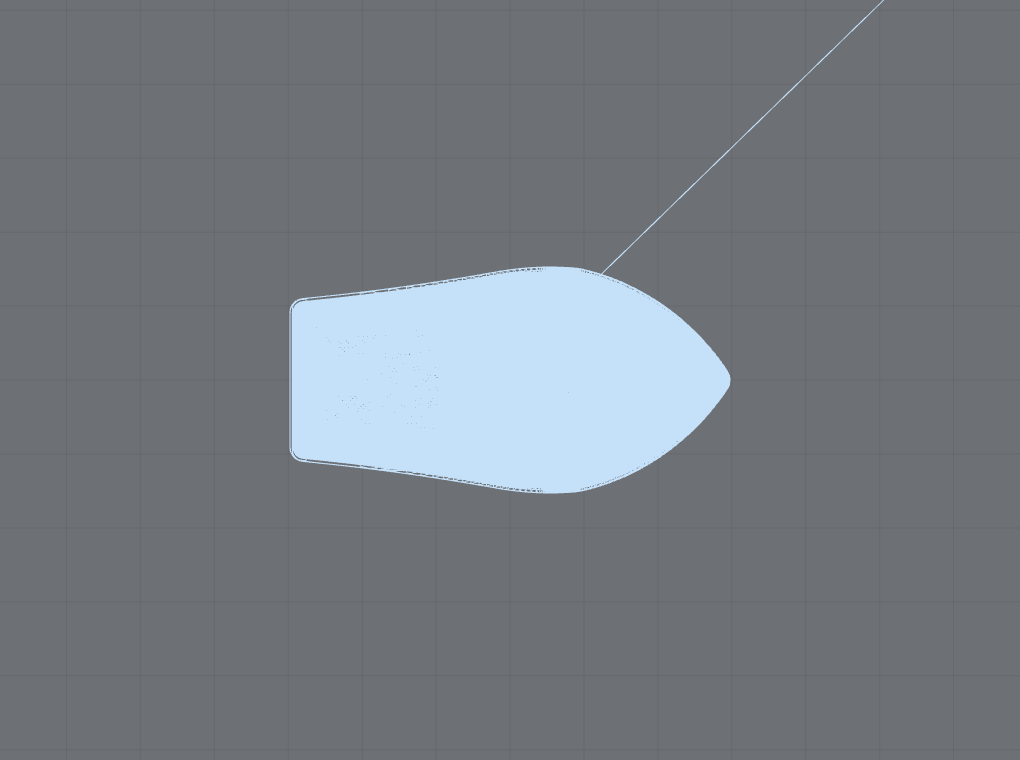
| Front (ortho) | Top (ortho) | Iso (perspective) |
Seven camera presets, orthographic/perspective, and a serializable camera state you can persist and restore.
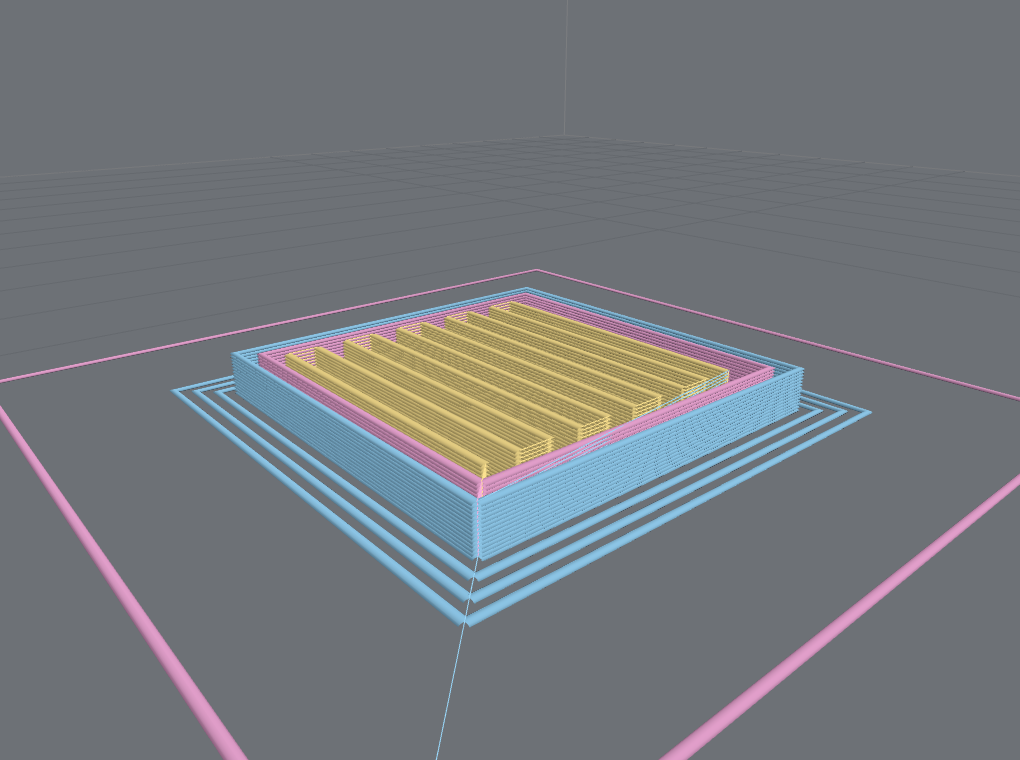
Object-aware framing (frameContent: 'object') fits the printed object — excluding skirt, prime
line, and purge — instead of the whole machine volume:
| Whole-job framing | Object-aware framing |
|---|---|
|
 |
'all' fits everything, so the model is small inside its skirt. |
'object' fits the part — the skirt/brim fall outside the frame. |
capture() returns the current view as a Blob (PNG/JPEG/WebP), including a transparent
background for compositing onto cards, from the interactive viewer or the headless still.
Models & plates — the other renderer
Sometimes you don't want the toolpath at all — you want a clean picture of what the object is. That's a separate presentation renderer over the source model (STL / 3MF).
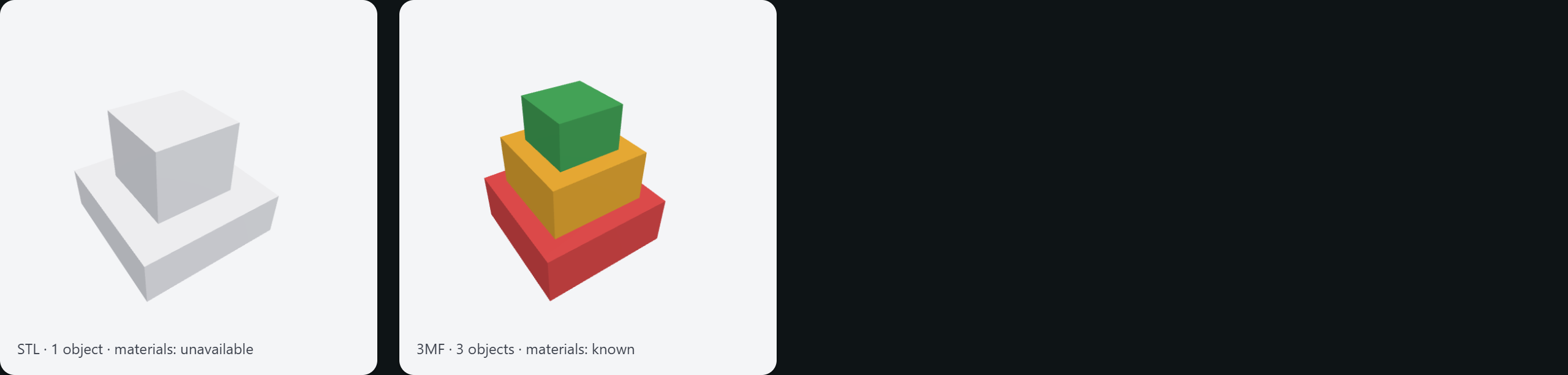
STL is a single neutral object; 3MF brings multi-object structure and per-object / per-triangle
material colors — and when the source doesn't declare colors, the render says
materials: 'unavailable' rather than inventing one. A 3MF project can hold several plates and
many objects: render one plate at a time and narrow to a render scope (a plate, or a
subset of objects) for a single thumbnail. Headless renderModelStill and the interactive viewer
share the look — and as of v0.20.0 the interactive viewer is a first-class framework adapter:
<ModelViewer> on every framework's /model subpath (<gcode-model-viewer> for the Web Component),
the Prepare side shown at the top of this page. See the
adapters guide and the
model-renderer README.
Machine geometry
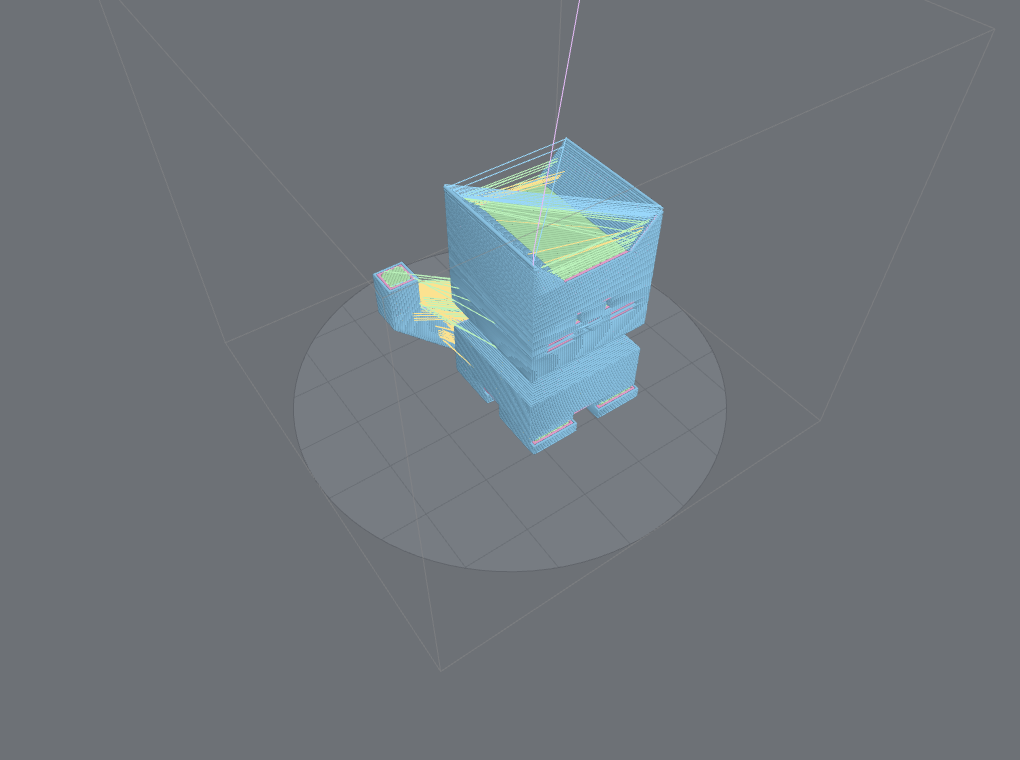 |
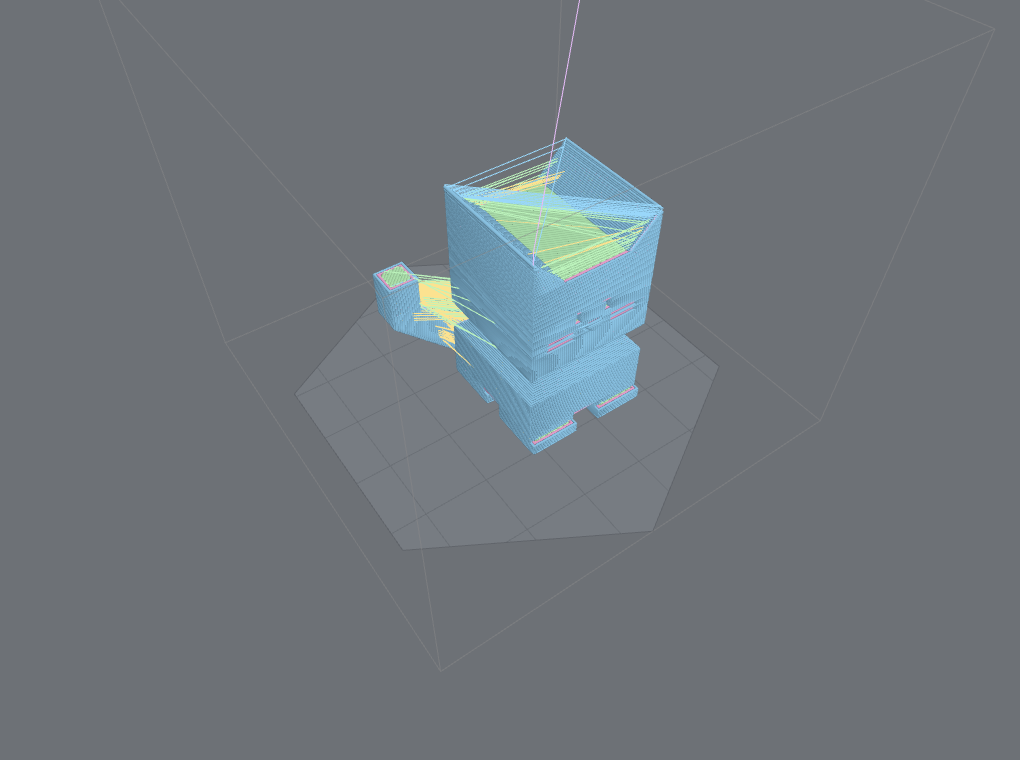 |
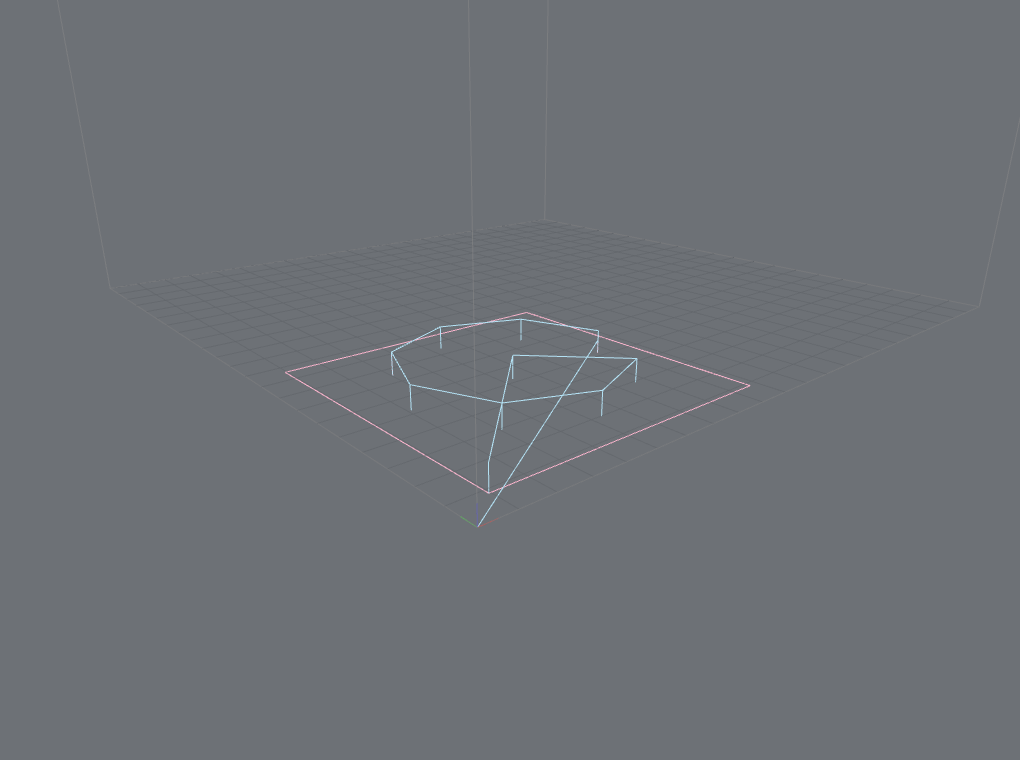
| Circular / delta beds. The outline and grid follow the round shape. | Polygonal beds. An arbitrary polygon outline, grid clipped to the shape. |
Rectangular stays the default and byte-identical; a shape on the build volume opts into round or
polygonal. Bed geometry discovered from the file (its printer profile) is offered to the consumer,
never force-applied over a bed you set.
CNC, laser & parametric
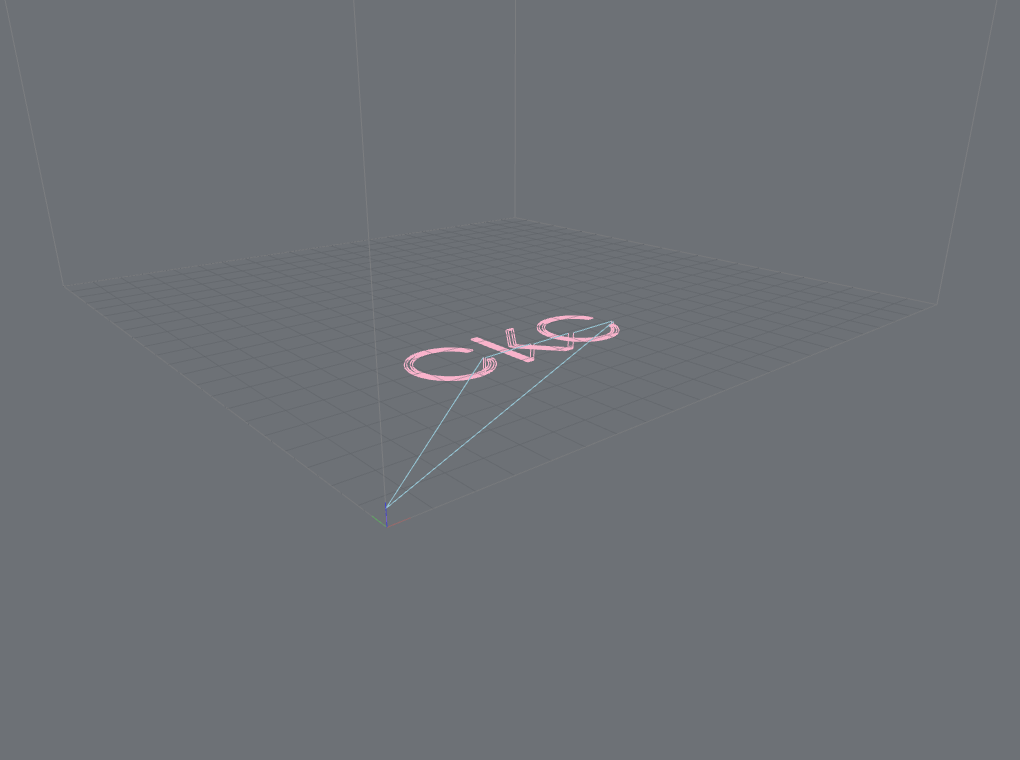 |
 |
Cut vs rapid. Non-extrusion toolpaths classify tool-engaged moves as Cut; color by cut-vs-rapid or tool power. |
Parametric programs (RS274NGC). Geometry the machine computes — a while-loop bolt circle + subroutine — resolved to the real toolpath. |
Canned drilling cycles (G81/G82/G83) expand; controller support is honesty-tiered
(experimental until hardware-validated) but geometry always parses. Parametric execution is
bounded and reports parametricProgram: 'known' only on a clean run. See
parametric programs and the
motion & position coverage.
Framework integration
Both viewers ship as drop-in Vue, React, Svelte, and Web Component components over one shared
engine — the toolpath <GcodePreview> from the package root and the source-model <ModelViewer> from
the /model subpath — plus a lower-level API (composable / hook / store / action) for building your
own controls, and a headless renderStill for server thumbnails. Try them in the
live demos; see framework adapters.
Missing a capability here? The coverage matrix tracks every user-facing feature and its documentation state — including the shots still on the to-capture list.